On the family side
- View attendance, grades and report cards
- Read homework and the schedule
- Write to the team (messaging)
- No edits to the record
- No payments from the app

The Nezam parent app is a bilingual English / Arabic mobile app for legal guardians and students.
The app in pictures
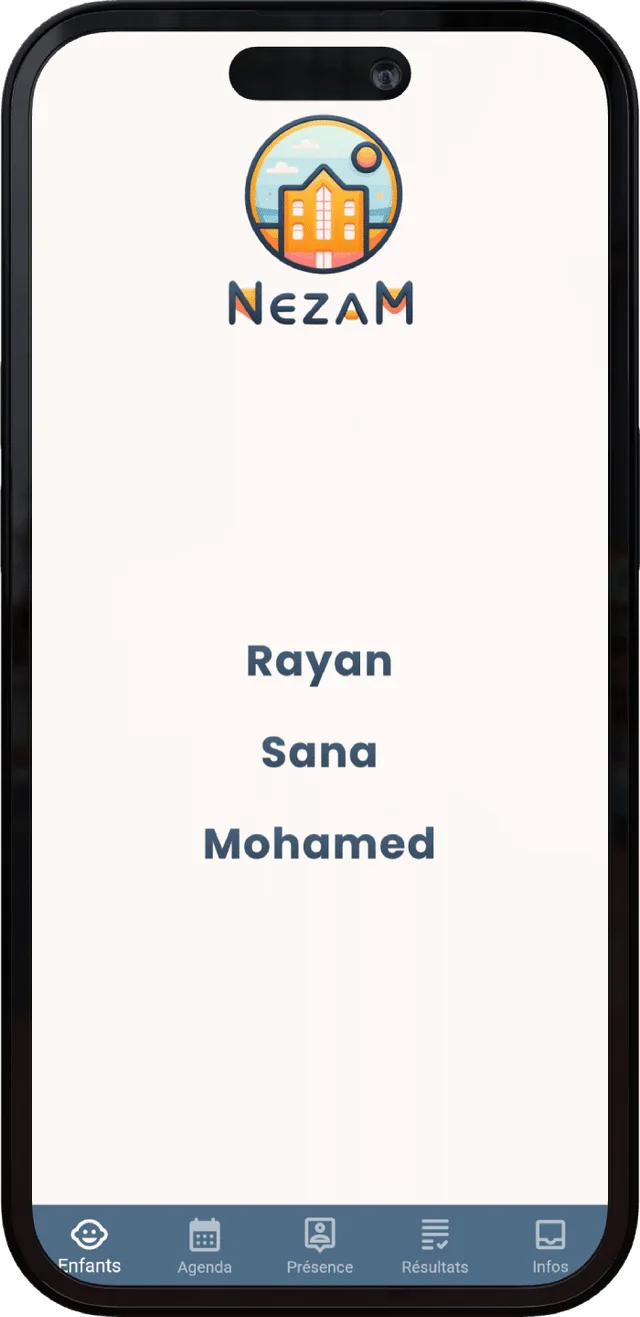
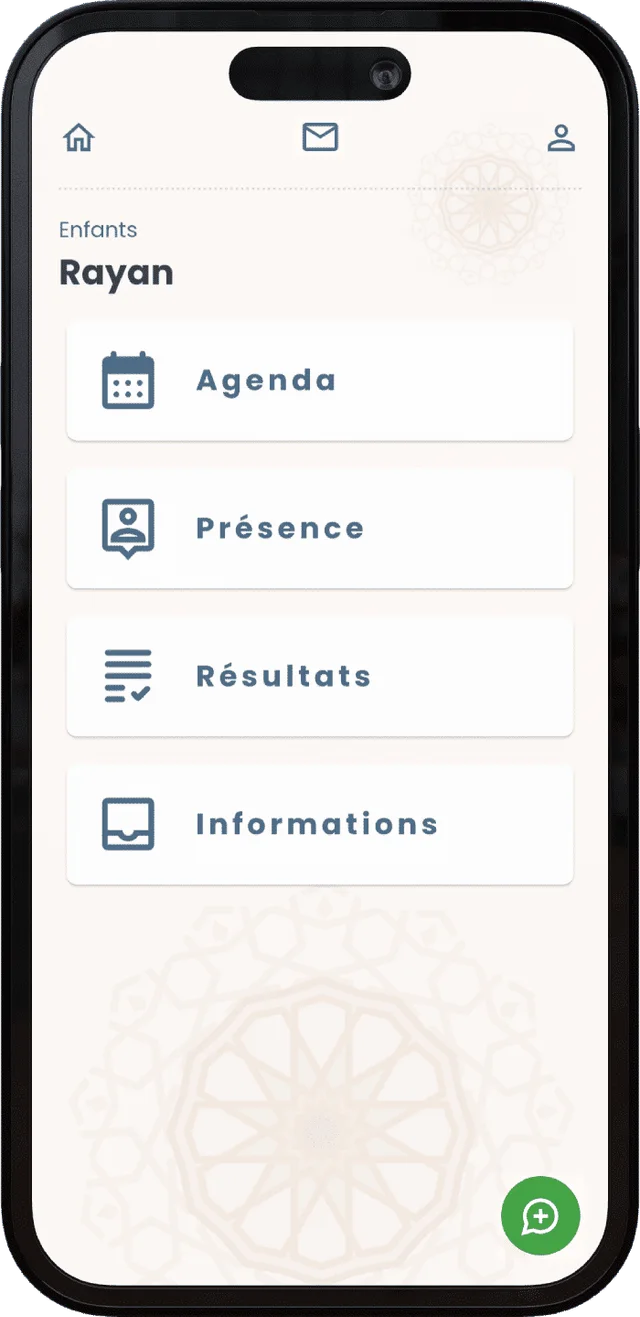
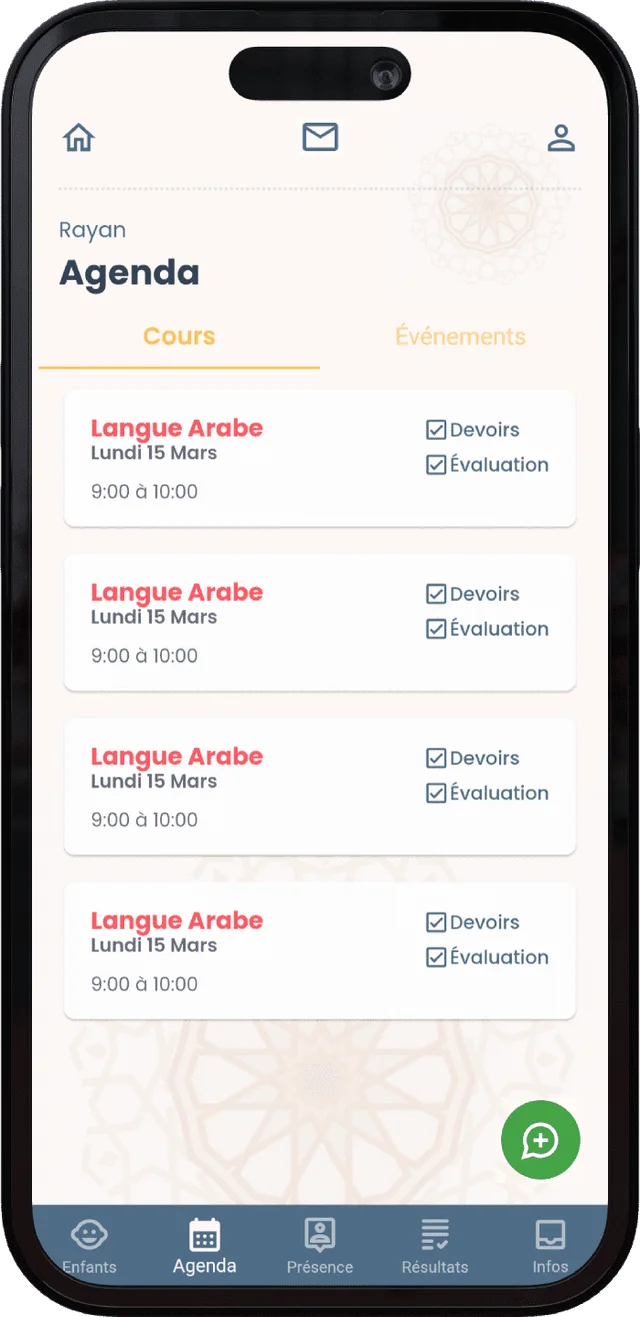
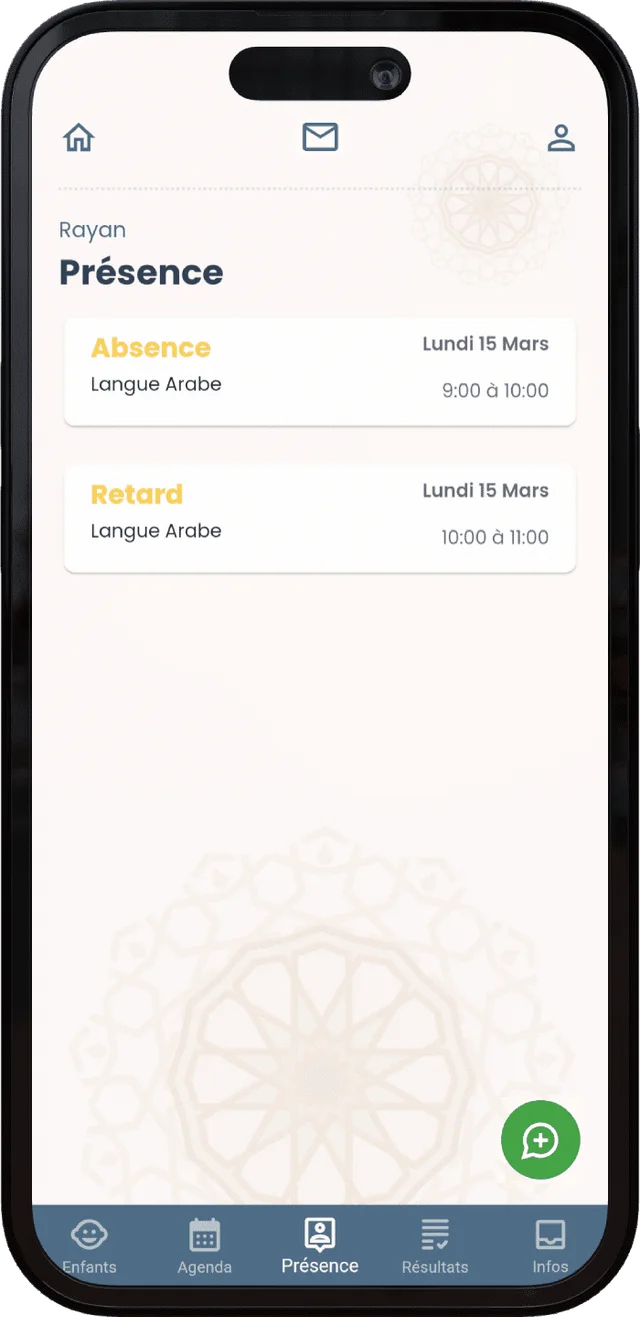
From secure login to attendance tracking: a real preview of what families see.
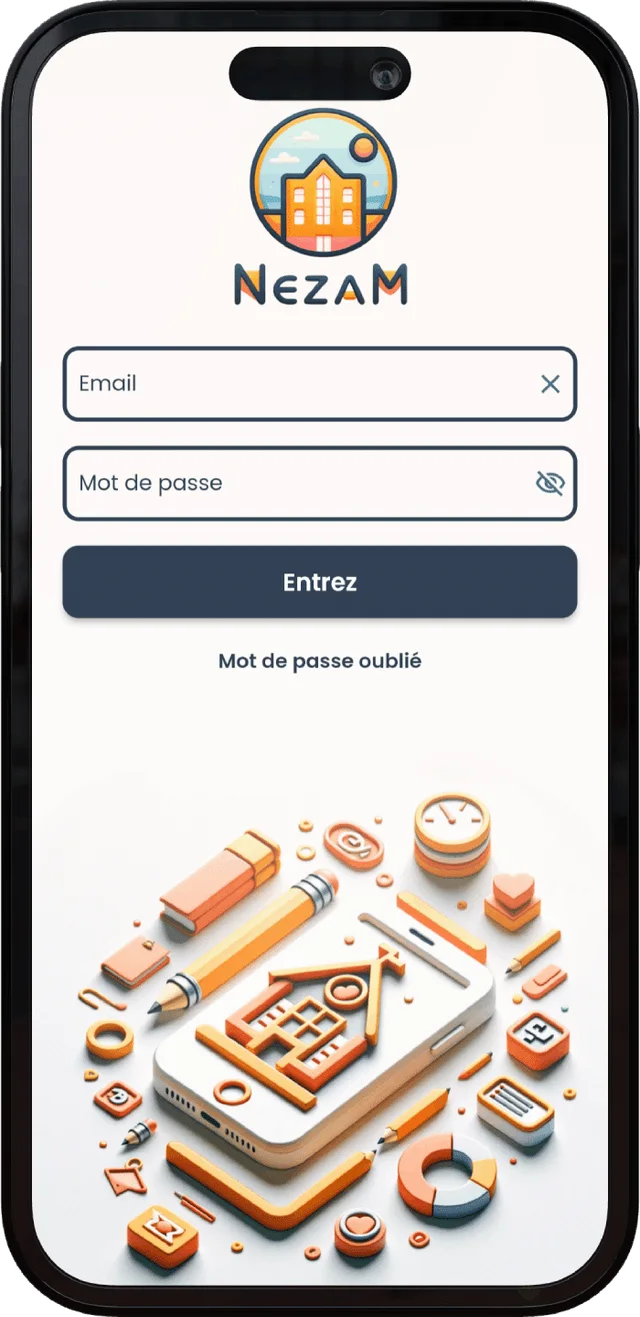
Free on iOS and Android. Families follow attendance, grades, report cards, homework and messages in real time.
The bridge between the team and families, in real time
What families see
Attendance, grades, homework and messaging — the same data as the team, updated in real time.
Present, absent, late, reason, and positive or negative behaviour: the family sees every session as soon as the teacher has submitted the roll call.
Grades by sub-skill, averages, comments and PDF report cards, all viewable directly in the app.
Homework entered from the session and the schedule of upcoming sessions, always up to date for each student.
The only space where the family takes action: writing to the team, replying to session comments and receiving announcements.
Families view; the team controls data entry. The educational tracking is read-only on the parent side — no absence reporting, no payments — and messaging remains their only space for action.
Real time
When the teacher submits the roll call, Nezam sends a push notification to the legal guardian — according to the organisation’s settings.
Notification as soon as the roll call is submitted.
The legal guardian is notified immediately.
Positive or negative behaviour flagged on the session.
A new exchange with the team or a new announcement.
Notifications rely on the submission of the roll call: absence, lateness and behaviour are broadcast according to the settings enabled by your organisation.
A legal guardian no longer has to call the organisation or dig through a correspondence book: all the tracking for their children fits in an app they open whenever they want, in their language.
The app reads in English as well as in Arabic. It’s Nezam’s signature, designed for community schools and language institutes: each family follows schooling in their language.
The same parent account manages several students. The family switches from one child to another and finds, for each, their attendance, grades, report cards and homework — even when spread across different groups.
Who can do what
The data stays reliable because a single team produces it; families, for their part, view it in real time.
| Action | Family (app) | Team (web workspace) |
|---|---|---|
| View attendance & behaviour | Yes | Yes |
| View grades, averages & PDF report cards | Yes | Yes |
| View homework & schedule | Yes | Yes |
| Exchange via messaging & announcements | Yes | Yes |
| Take and submit the roll call | No | Yes |
| Enter grades & generate report cards | No | Yes |
| Collect a payment | No | Yes |
Also worth exploring
The app simply reflects the team’s work on the web workspace — here’s where the data comes from.
The roll call submitted in session feeds the notifications received by families.
Learn moreGrades by skill and PDF report cards flow into the parent app.
Learn moreOnline enrolment and payment tracking, on the team side.
Learn moreThe session planning that shapes the schedule families see.
Learn moreFrequently asked questions
The Nezam parent app is a bilingual English / Arabic mobile app that lets legal guardians and students follow schooling in real time: attendance, behaviour, grades, averages, PDF report cards and homework, with messaging to talk to the team. Families are read-only on the educational tracking; only messaging lets them take action.
No. On the family side, the educational tracking is read-only: parents do not report absences and do not enter payments. The only available action is communication — writing to the team, replying to session comments and receiving announcements. Data entry stays controlled by the teaching team on the web workspace.
Yes. The parent app is bilingual English / Arabic, designed for community schools and language institutes. The family views the tracking in whichever language suits them.
Yes. A single account manages several children: the parent switches from one student to another and finds, for each, their attendance, grades, report cards and homework, even when the children are spread across different groups.
As soon as the teacher submits the roll call, Nezam sends a push notification to the legal guardian: absence, lateness or behaviour, depending on the organisation’s settings. The family is informed immediately, with no phone call or manual chasing.
Yes. The PDF report cards generated by the team can be viewed directly in the app, alongside grades by sub-skill, averages and comments. The parent finds the entire educational tracking in one place.
Book a 30-minute demo and see the parent app under real conditions, with no commitment.